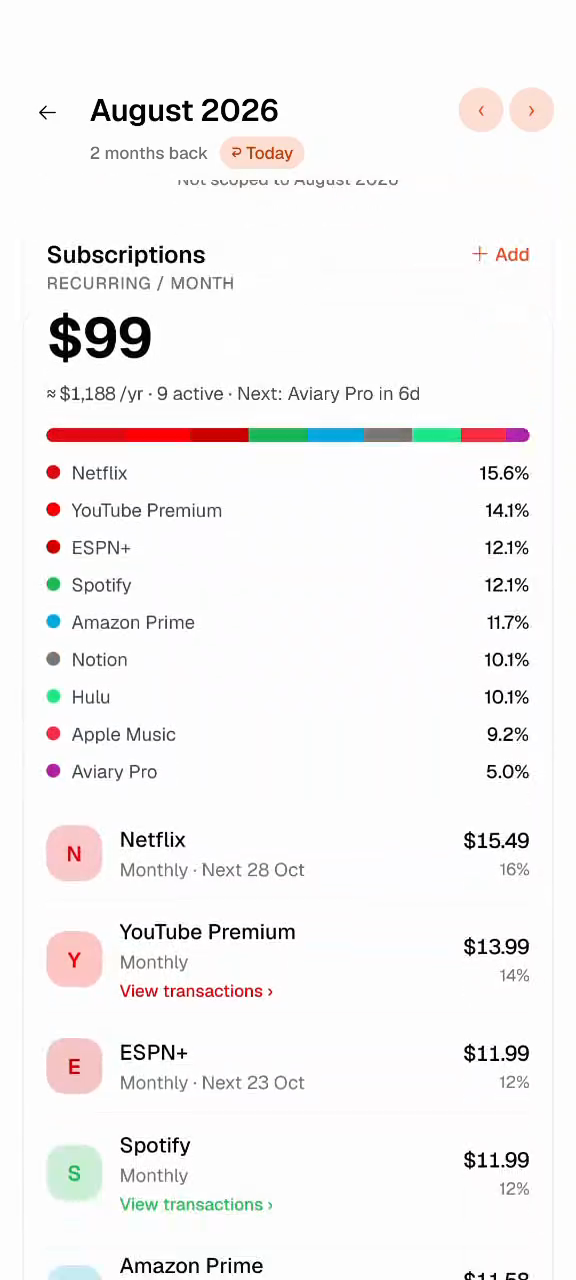
See what’s left, right away.
In the app, every log lands with a check, a buzz and a chime. Then you see what’s left in that category, the slice of your money you set aside for it.
It notices your 4pm coffee and nudges you while it’s still fresh.
Miss a day? Type what you remember and you’re caught up.
No bank link, no loans, no offers.
Learns your habits. Sample: Aviary saw coffee logged around 4pm on three Tuesdays. The next Tuesday at 4:15pm it asks “Afternoon coffee?”, one tap on “Log $4” logs it, and Snacks drops to $20 left.
Sample dataEvery budgeting app starts the same way. So does the ending.
New app. Every category filled. You log the coffee with a little thrill.
A cab and a lunch. You’ll add them later.
Now there’s a backlog. Opening the app feels like homework.
Nothing’s logged. The icon just sits there, looking at you. Uninstall.
That’s not a willpower problem. Logging cost more than it gave back. So Aviary makes it cheap, three ways.
Log the same thing on the same weekday, around the same time, three times in eight weeks. Aviary picks it up as a habit and nudges you 15 minutes after, details filled in. One tap and it’s logged.
Open Ask Aviary and type “bus 3, lunch 15, Friday dinner 60”. It turns that into separate spends, picks the categories, and you check them before they land. Two missed days take about a minute.
And on a normal day, it’s one tap.
Bank sync logs everything for you. That’s the catch. Money leaves, the app files it away, and you never feel a thing.
“Coffee with Sam? Log it while it’s fresh.”
Aviary keeps the one second where you notice a spend, and takes away everything around it. That second is what makes a budget work.
Logging is the part you do every day, so we made it the part that feels good.
In the app, every log lands with a check, a buzz and a chime. Then you see what’s left in that category, the slice of your money you set aside for it.
Expense Wrapped turns your month into a recap, longest logging streak included.
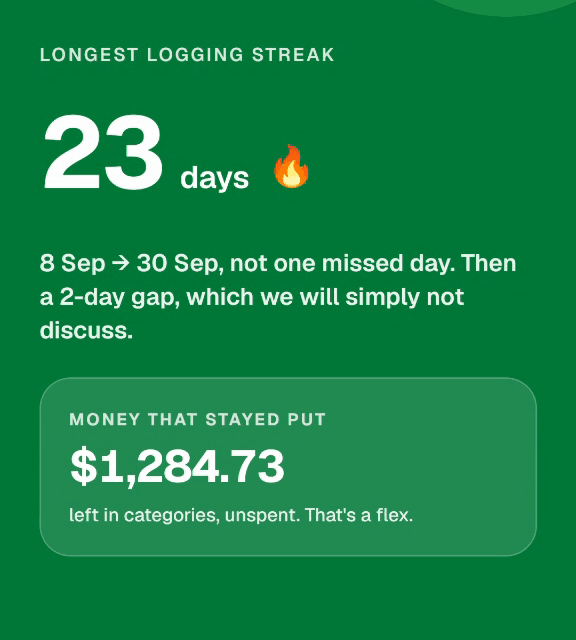
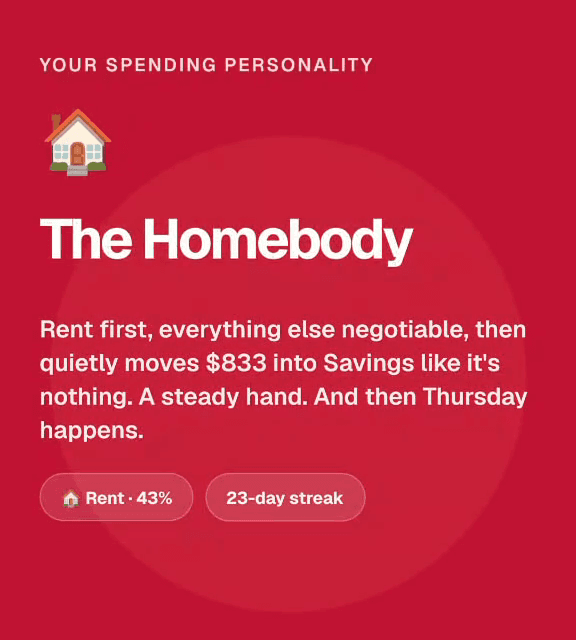
That’s the app’s real log screen, not a recording. Say what it was, watch the category pick itself, then tap the amount and hit +.
Sample month. Nothing you log here is saved.
It’s playing itself. Tap the phone to take over.
Logging is the daily part. This is what it adds up to.
I’ve quit every budgeting app I ever tried, usually by week two. I built a few myself, fell back on spreadsheets, and tried bank sync. Sync didn’t change a thing. My spending got filed away and I still had no idea where my money went.
YNAB finally clicked. Giving every dollar a job made me actually notice my spending. Then its pricing humbled me.
So I built Aviary. You still log every expense yourself, because that’s the part that makes you notice. Aviary just learns when you usually spend and nudges you while it’s fresh, so logging takes one tap. It’s the app I wanted for years. I hope it clicks for you too.
Read the source