Why not just sync?
Sync sounds easier, and for tracking, it is. But a budget only works if you notice what you spend. When an app reads your SMS and files every UPI payment away, money leaves and you never feel it. At the end of the month you get a chart, and the chart is too late.
Logging a spend takes a second. That second is when you see “₹800 left in Eating out” and decide about Saturday. Aviary keeps that second and takes away the rest of the effort.
How logging stays quick
- Habit nudges. Log the same thing on the same weekday around the same time three times in eight weeks, and Aviary learns it. Next time, it nudges you 15 minutes after with the amount, category and payment method filled in. Tap Log on the notification and you’re done.
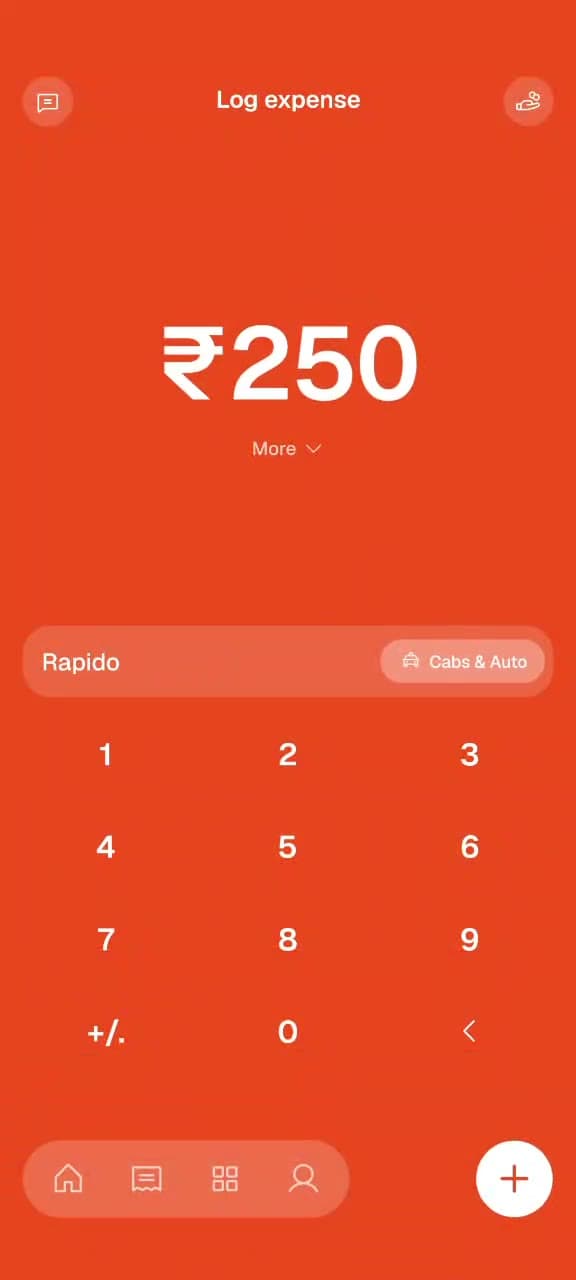
- The keypad. Amount, a word or two, and the category picks itself from your history.
- One line for missed days. Type “auto 240, lunch 150” in Ask Aviary and check the spends before they’re saved.
- Bill scanning for long receipts, and recurring expenses for rent and subscriptions.
- Offline. Logs wait on your phone and sync when you’re back online.
What you keep private
No bank credentials, no SMS permission, no account aggregator link. Amounts and notes you log are encrypted in the database, there are no ads, and your data isn’t sold. You can export everything to CSV or delete your account any time.
Who it’s for
If you want every transaction pulled in automatically, an SMS-based tracker suits you better. We compare one honestly on Aviary vs axio. If you’ve tried that and still don’t know where your money goes, try logging it yourself for a week.